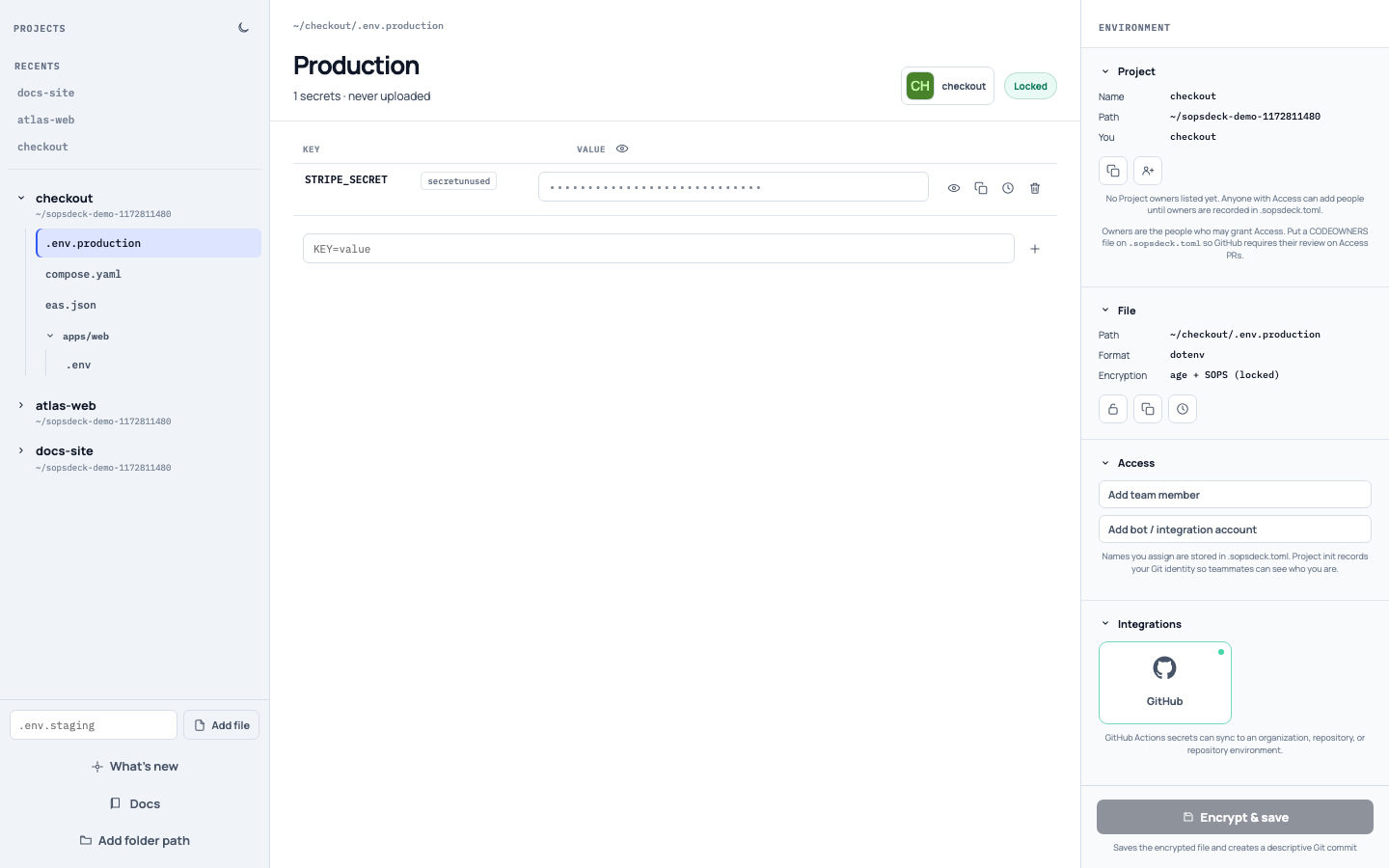
A visual browser and editor for your secrets.
A simple, flexible way to manage SOPS-encrypted dotenv, JSON, and YAML files. Edit locally, share access with your team, and track changes in Git.
What you can do
Update references when keys change
Rename a secret and rewrite KEY, $KEY, and$${KEY} across the Project so application code keeps matching.
Lock and unlock files
Unlock writes plaintext for local tools. Lock encrypts again. The editor badge follows that state.
Unused secret detection
Keys with zero references in the Project show an unused badge so you can clean up leftovers.
View each version of a secret or file
Browse file history and a single key’s revisions. Restore a revision without committing it.
Encrypt specific fields
Encrypt only the leaves you choose in package.json, eas.json, or Compose YAML. The rest stays plaintext.
Share access with your team
Add a teammate’s Age public key, or copy a request that includes yours. Project owners approve new people.
Keys stay readable. Values encrypt in place.
A locked file is still JSON, YAML, or dotenv. Unencrypted fields and key names are plaintext. Only the values you selected become ENC[…].
{
  "cli": { "version": "20.5.1" },
  "build": {
    "env": {
      "EXPO_PUBLIC_API_URL": "https://api.example.com",
      "EXPO_TOKEN": "ENC[AES256_GCM,data:m4nY8pQ=,type:str]"
    }
  },
  "sops": {
    "age": [{ "recipient": "age1…" }]
  }
}Open Sopsdeck in your browser
Install with npm, then open a project folder. SOPS is included; all you need is Node.js and Git.
npm install -D @sopsdeck/sopsdeck
npx sopsdeck .

# global shortcut
npm install -g @sopsdeck/sopsdeck
sd .
The npm package downloads the matching local runner on first launch.